


 45
45

Learn how to navigate to your group settings on APU Now to adjust your preferences. This guide provides a quick walkthrough to help officers of their group successfully update forum permissions.
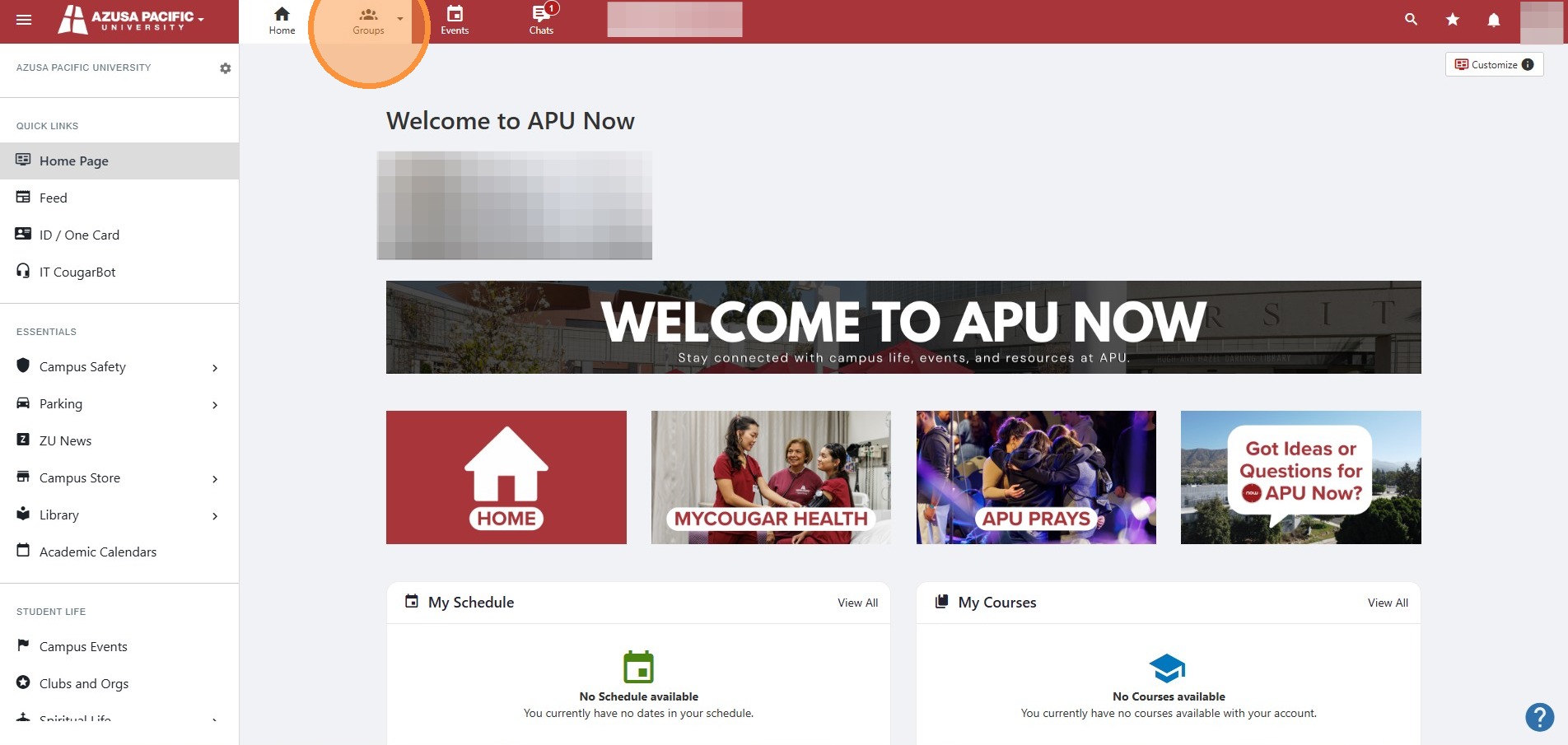
1. Click "Groups"
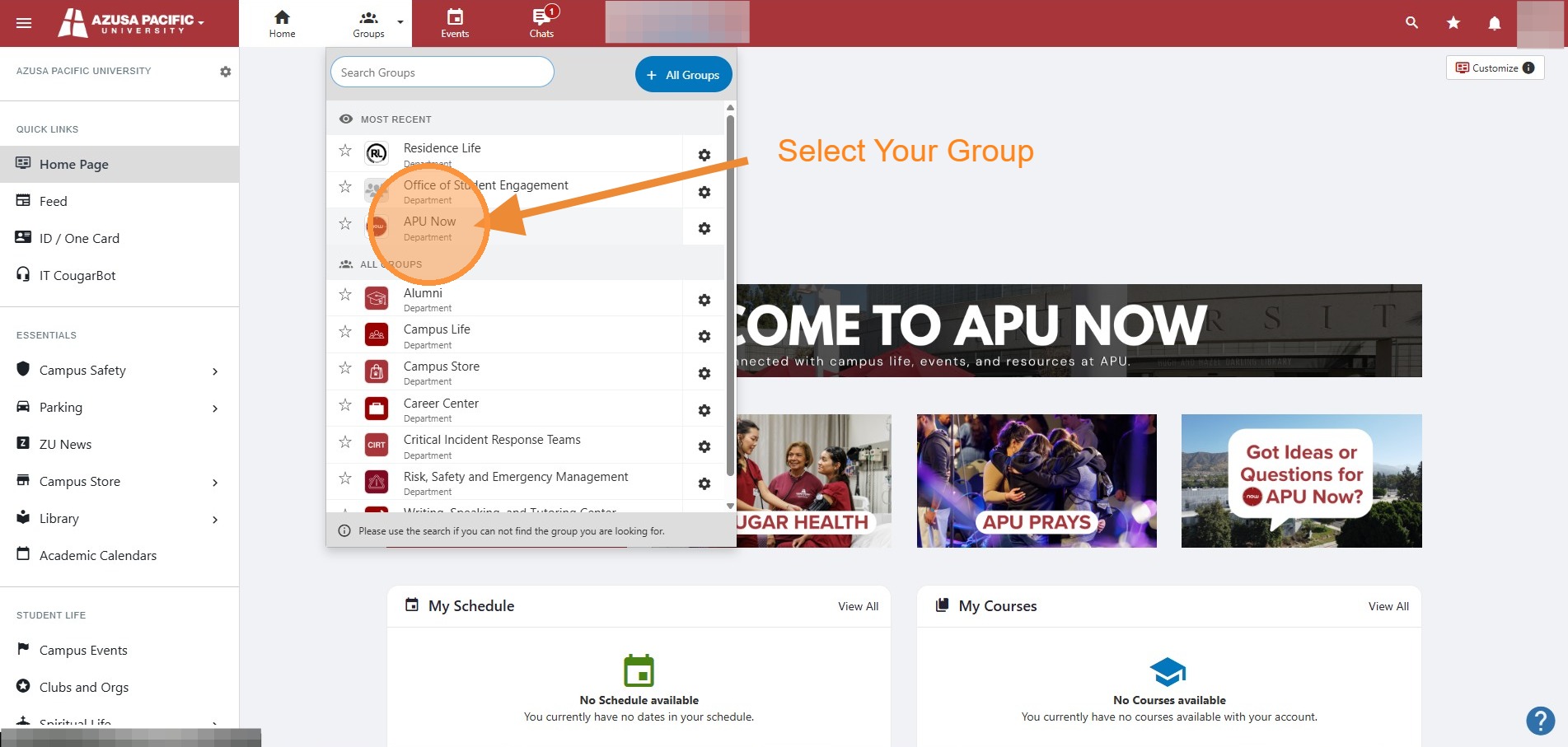
2. Select the group you want to manage.
Note: We are using the APU Now Group as an example, you would select the group you want to manage.
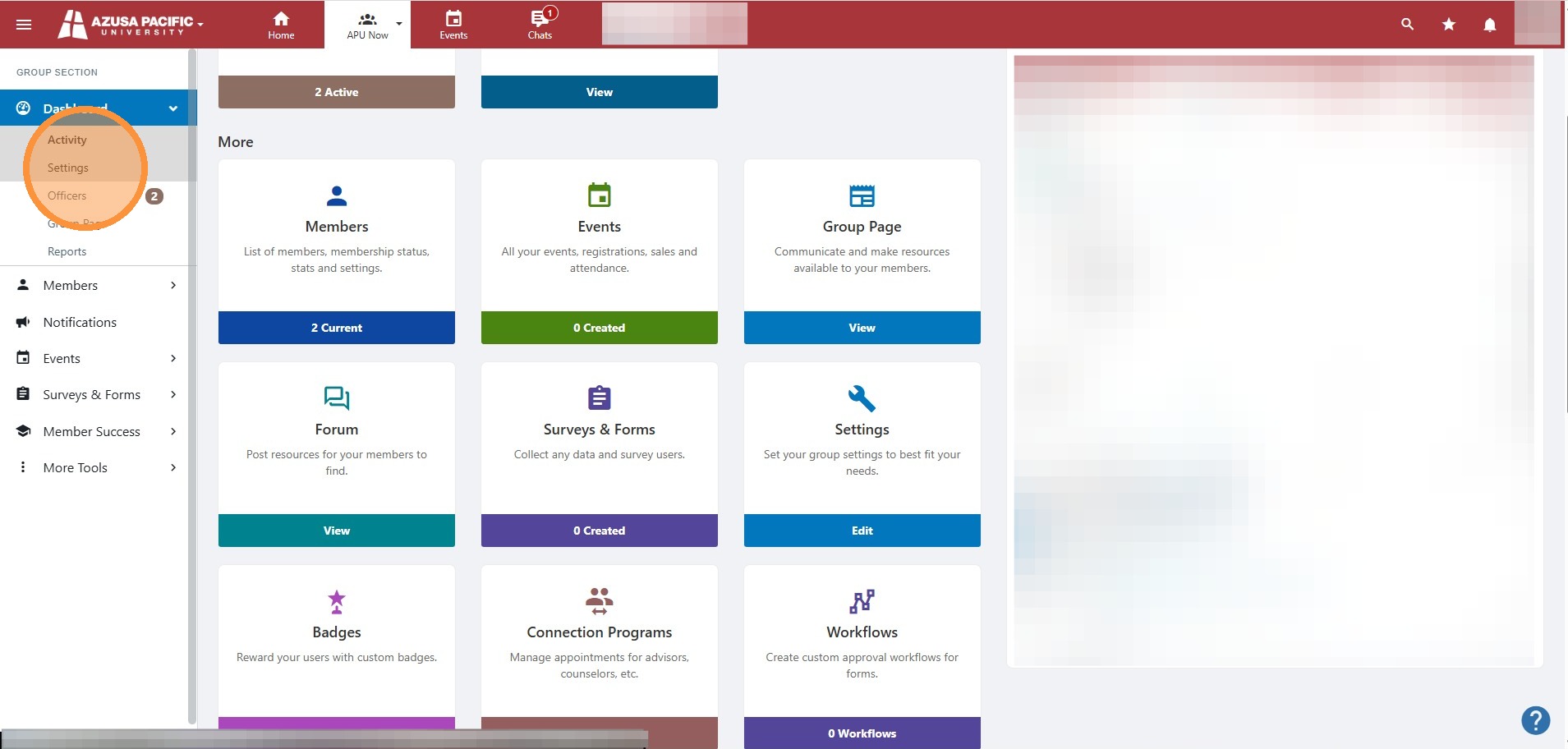
3. Click "Settings"
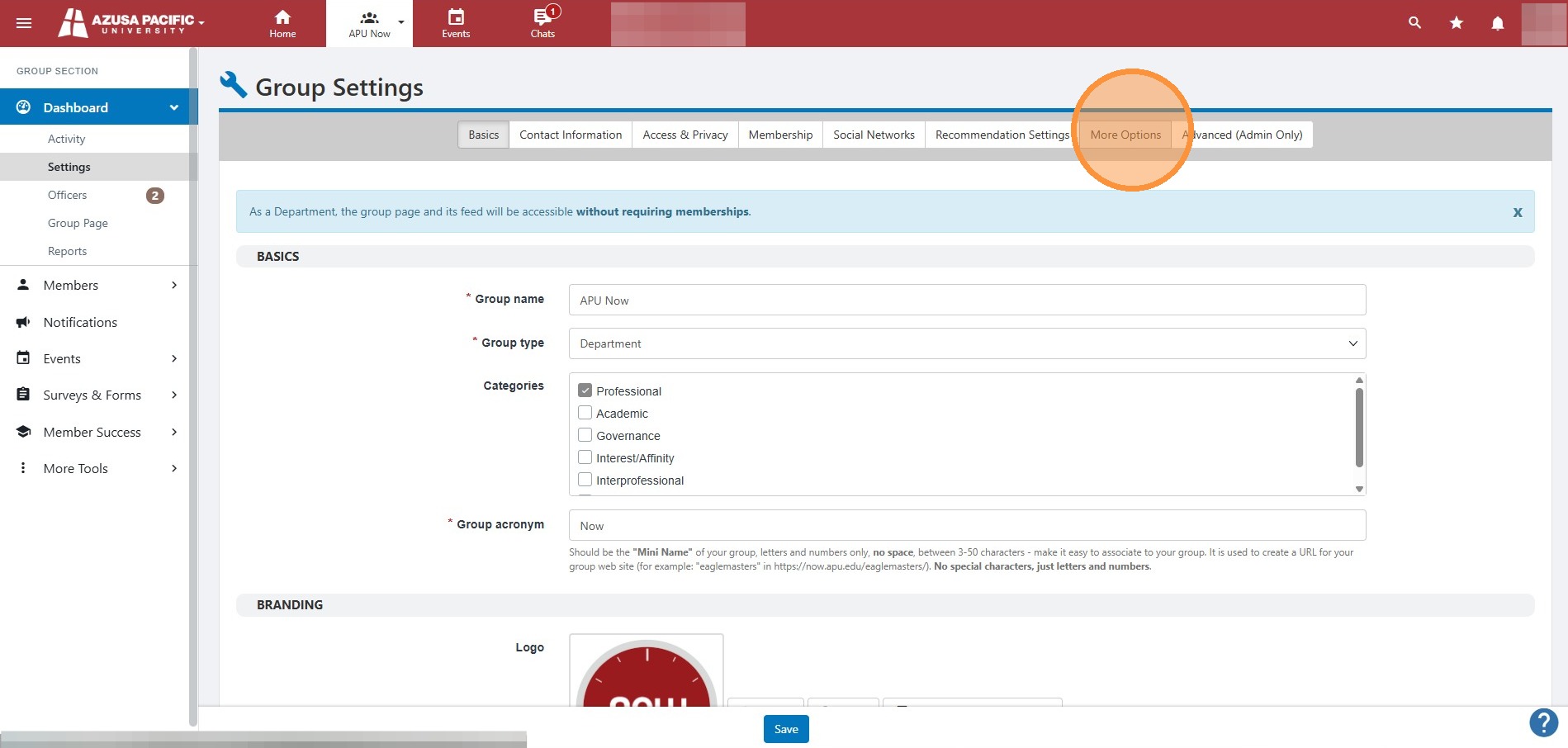
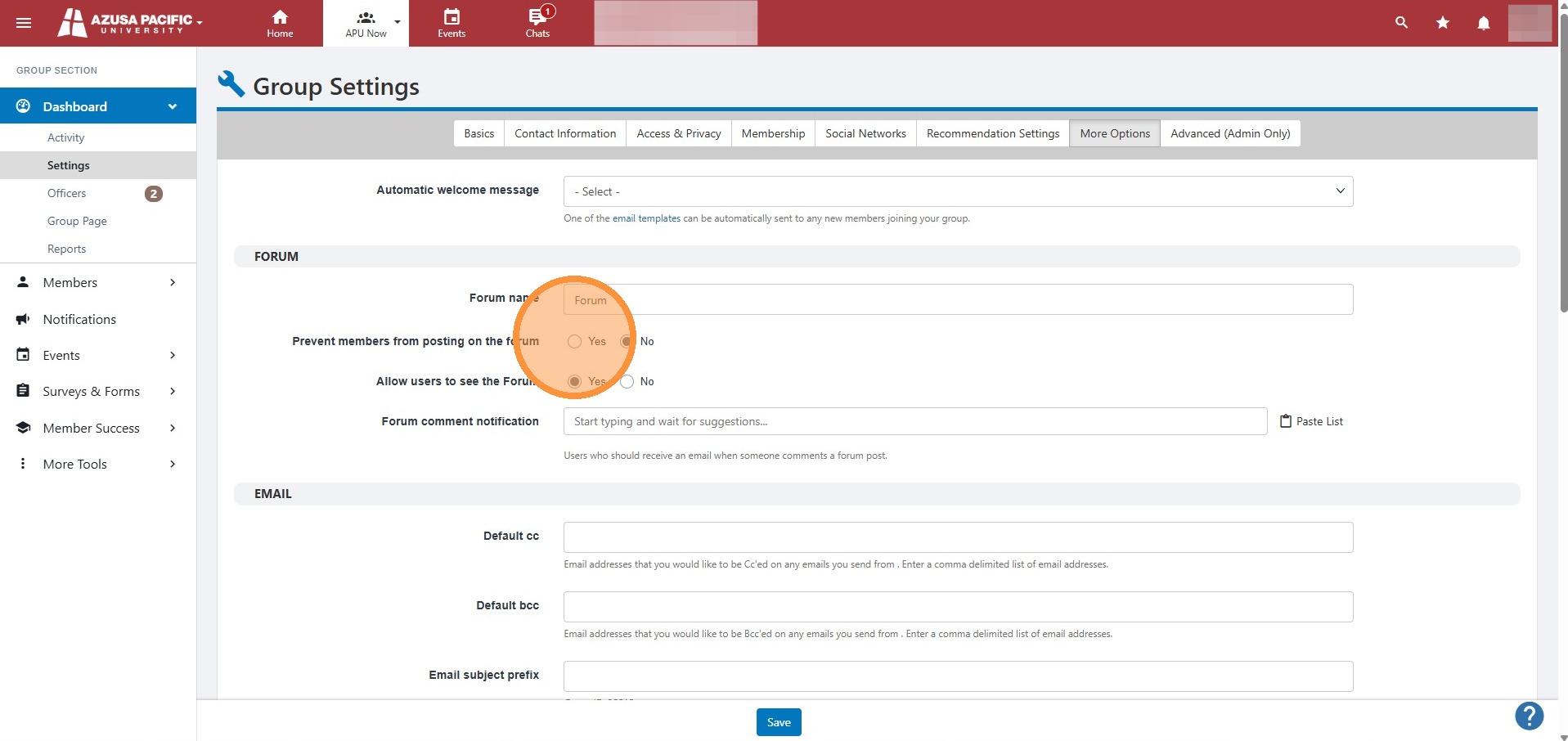
4. Select "More Options" tab
5. Select "Yes" for to prevent members from posting on the forum or select "No" if you would like members to to be able to post to your group's forum.
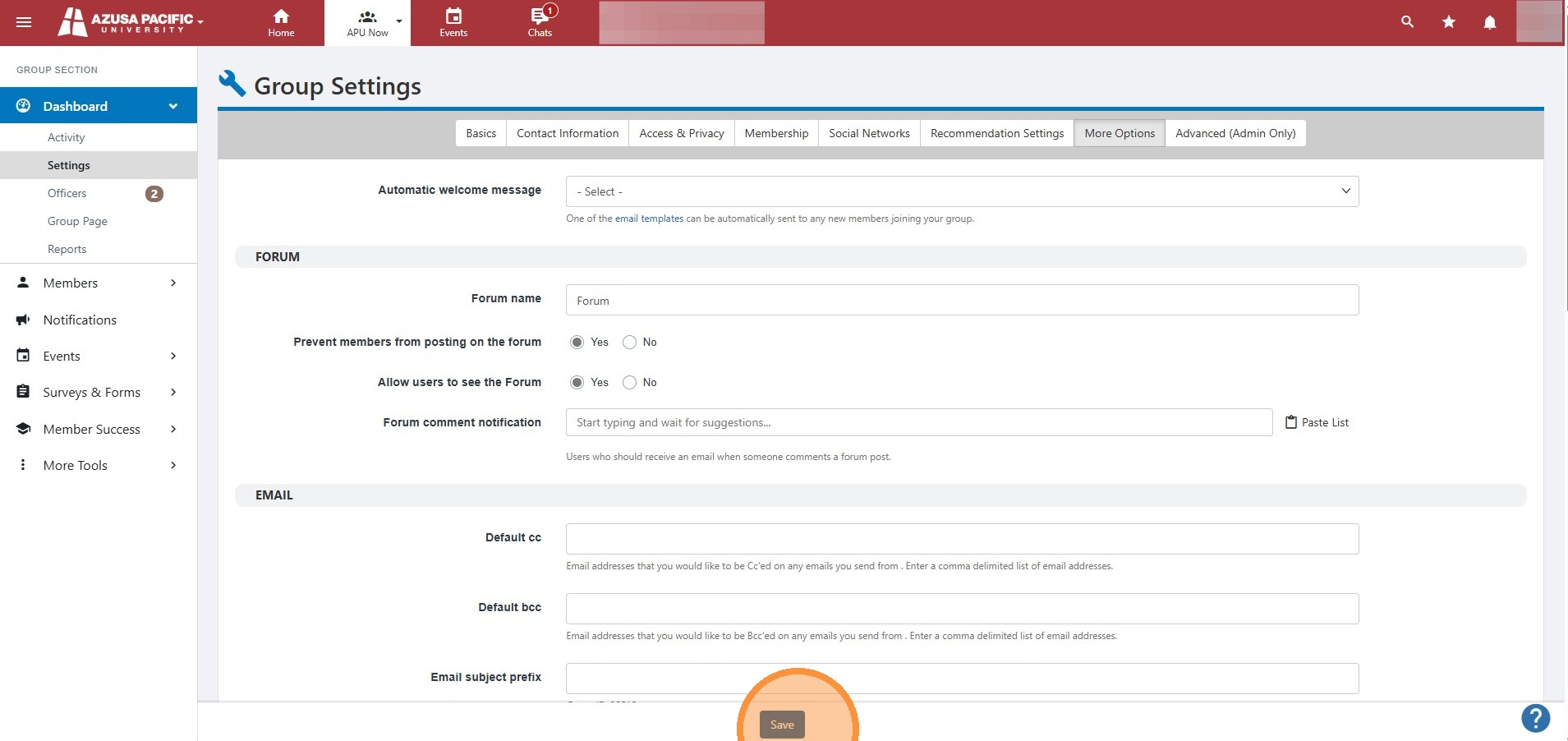
6. Click "Save"
If you need further assistance managing your group's settings in APU Now, please contact the IT Support Center at [email protected]u and we would be happy to assist you.

